Features
AIbusinesscardscannerfeaturesforthefloor.
Scan business cards with AI, organize contacts, capture conversation notes, follow up, and export to Excel or CRM. Five tools, one expo-ready workflow.
01
Scan
Single + Burst
02
Contacts
Search + export
03
Recap
AI notes
04
Profile
Digital card + QR
05
Follow-up
Drafts + reminders
№ 01 · Scan
ScanbusinesscardswithAI.
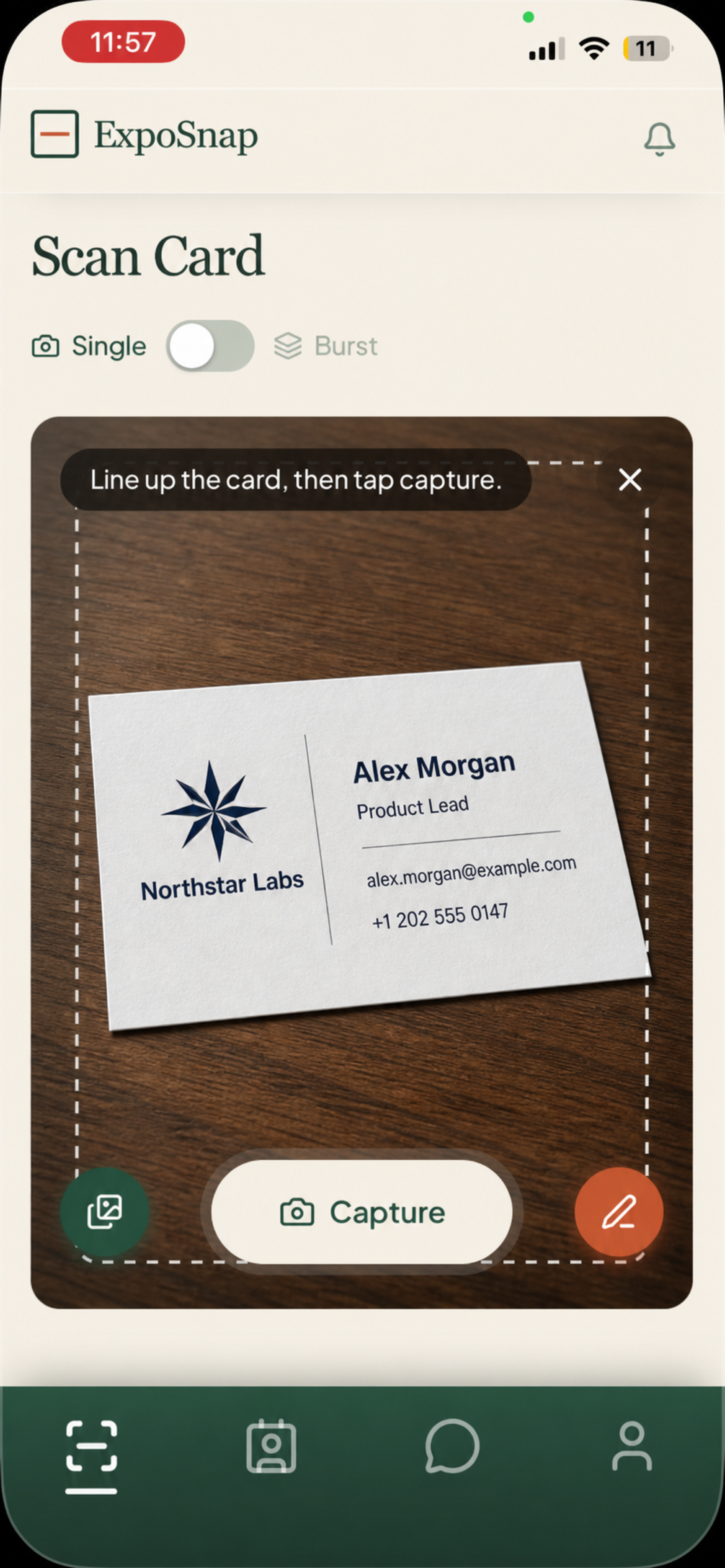
- Point and tap — the AI business card reader extracts contact details in seconds
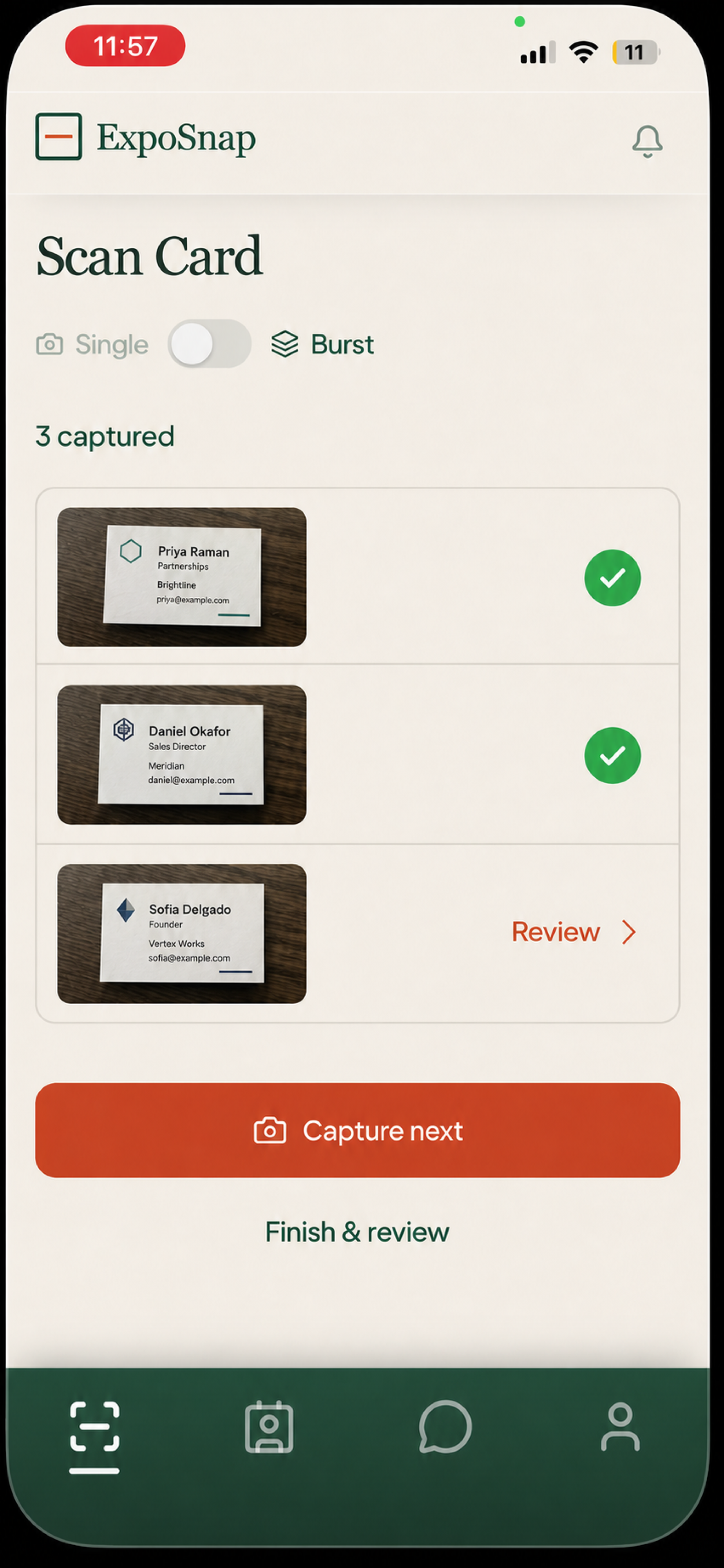
- Single mode reviews each card before saving; Burst mode queues a whole stack automatically
- Junk scans get rejected, not filed
№ 02 · My Cards
Organizecontacts.ExporttoExcel.
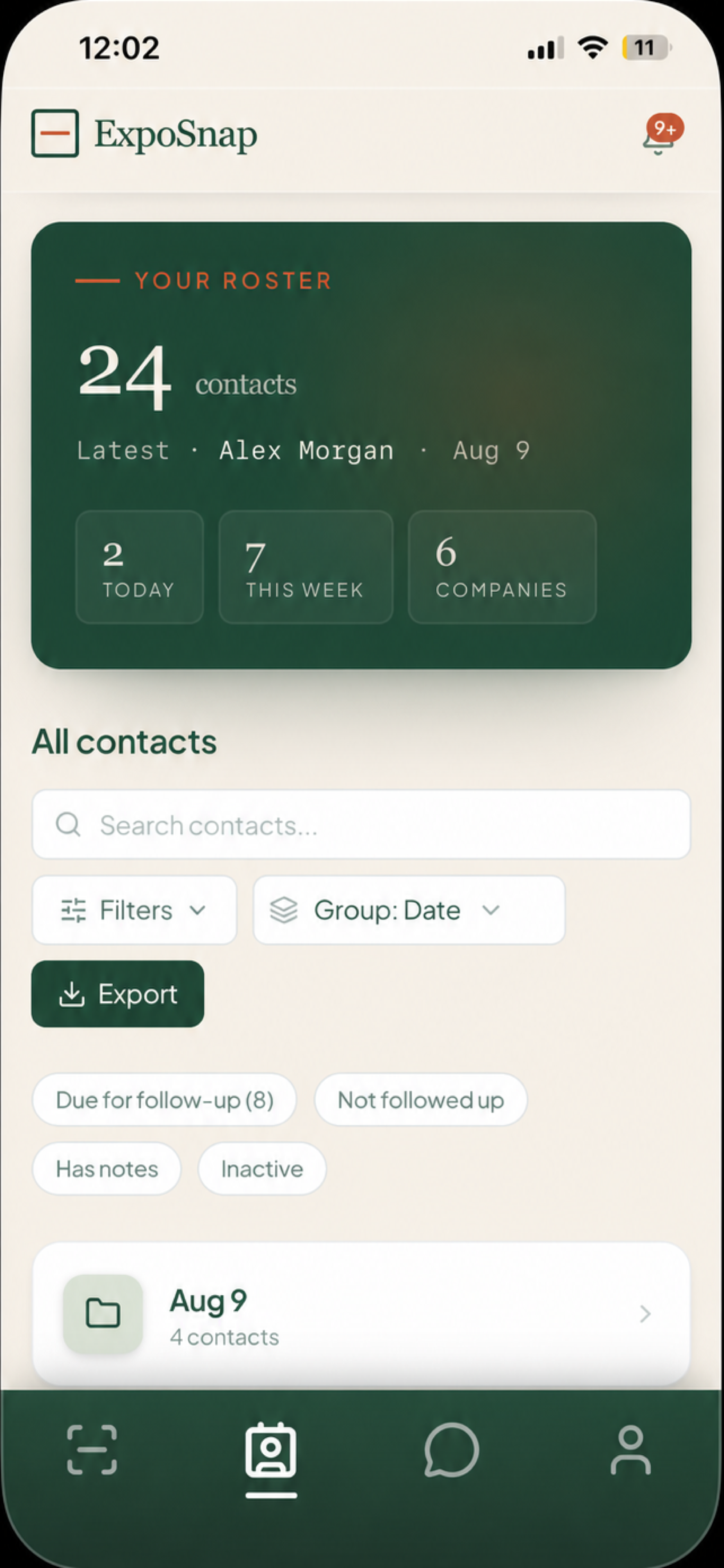
- Folders by date or company, plus a flat "see all" view
- Search cuts straight through — flat results, no folder spelunking
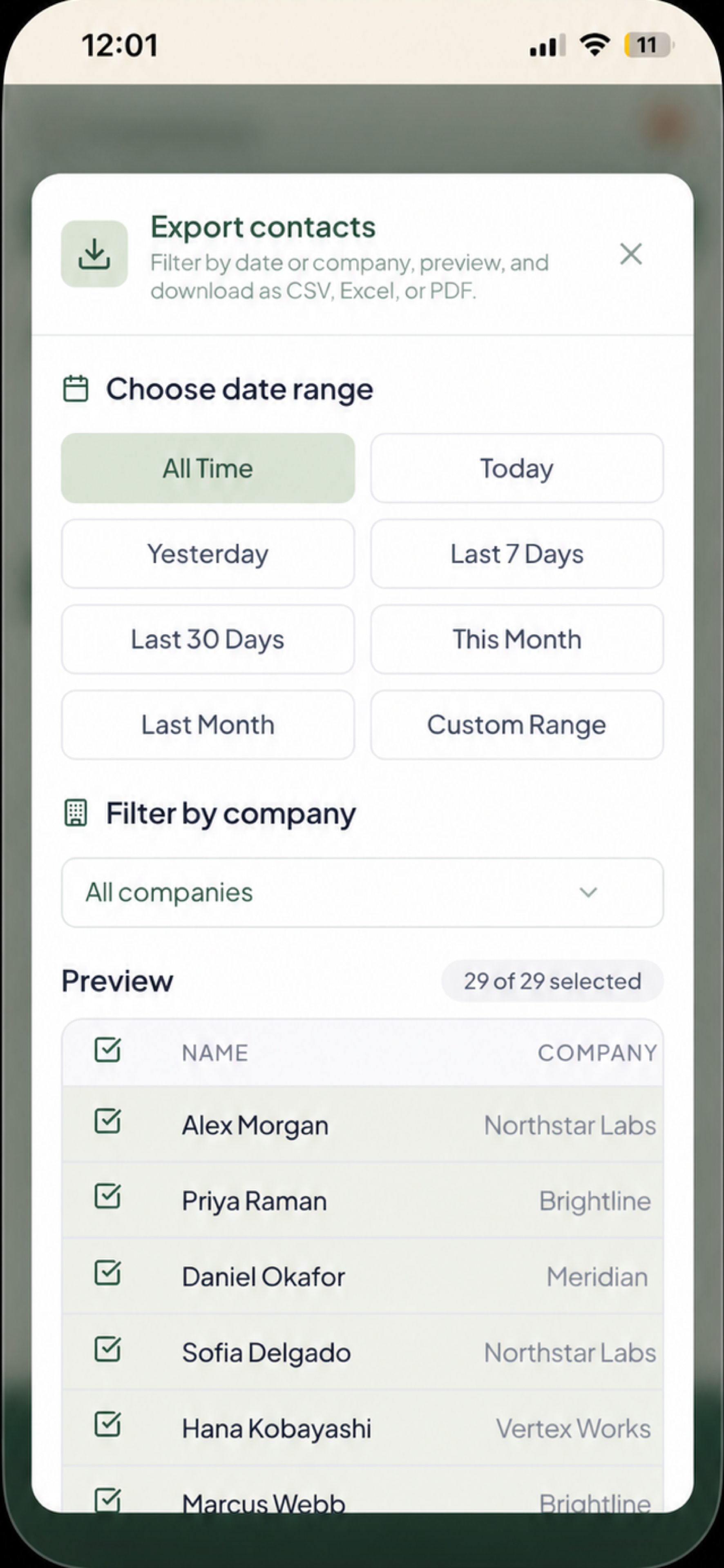
- CSV · Excel · PDF with CRM-ready columns
- Date-range and company filters before you export
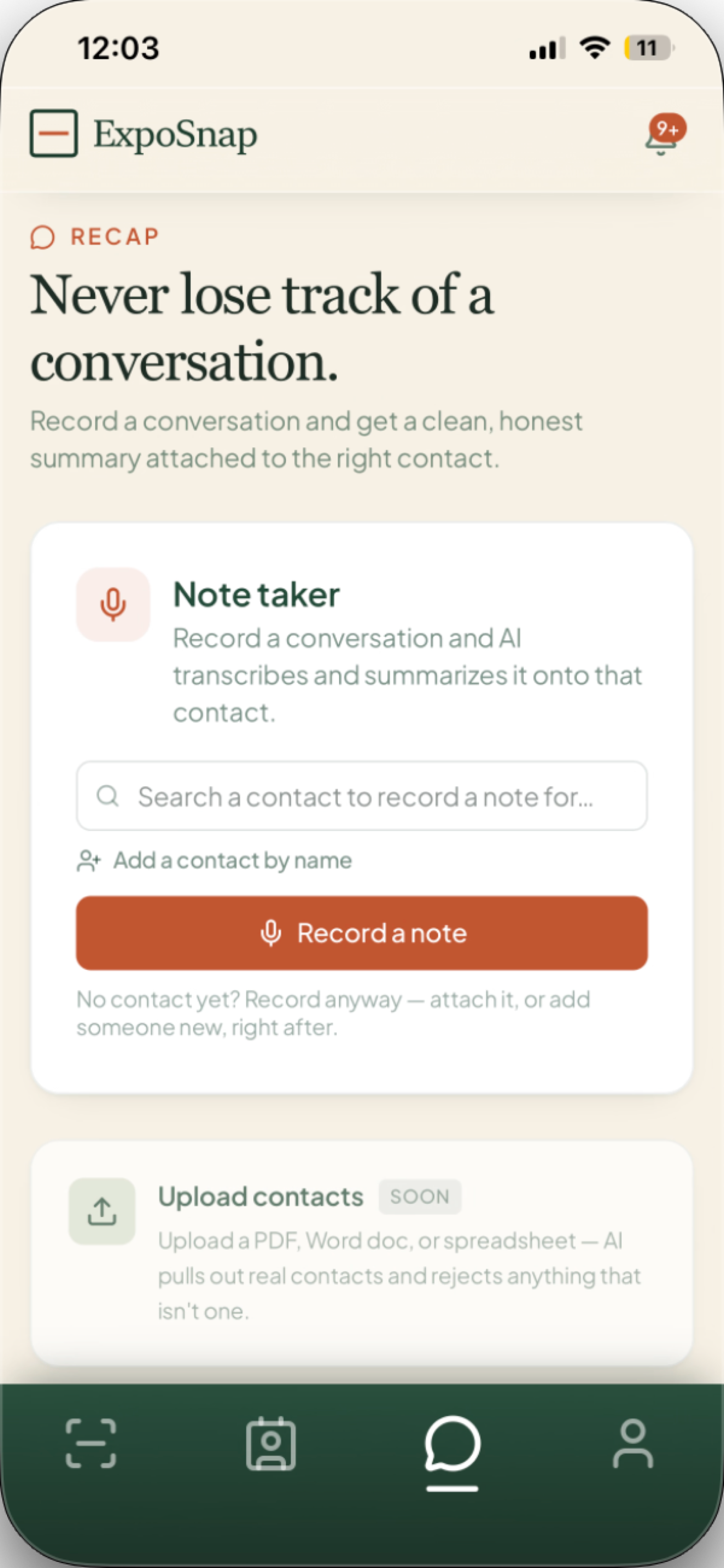
№ 03 · AI Note Taker
Sayit.It'sfiled.
- Search the contact, hold record, talk for twenty seconds
- AI transcribes and summarizes in a single pass
- Notes stack per contact with timestamps — never overwritten
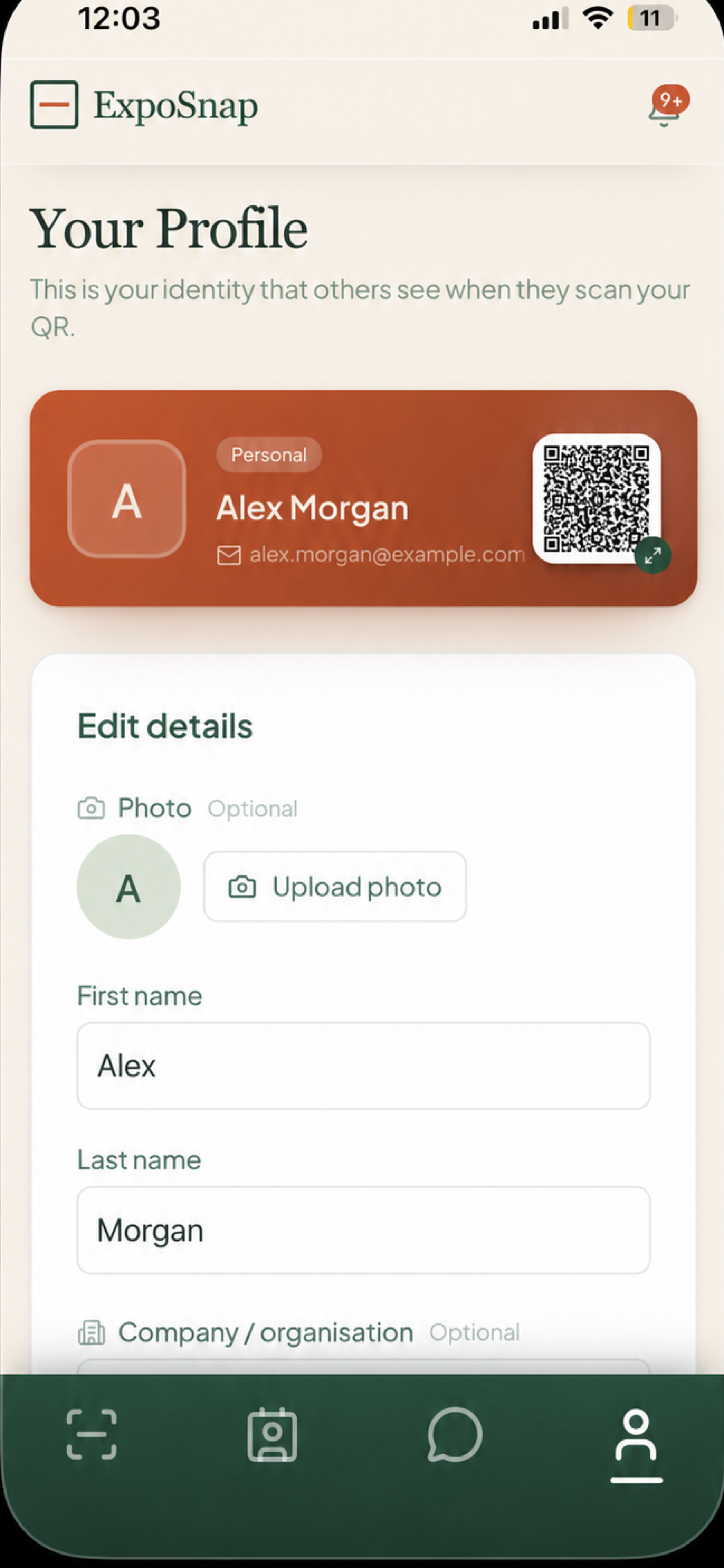
№ 04 · Profile & QR
Yourcard,alwaysonyou.
- Photo, name, company, email — always current, never reprinted
- Tap-to-enlarge QR; they scan it, they save you
- Shareable public link at exposnap.app/u/you
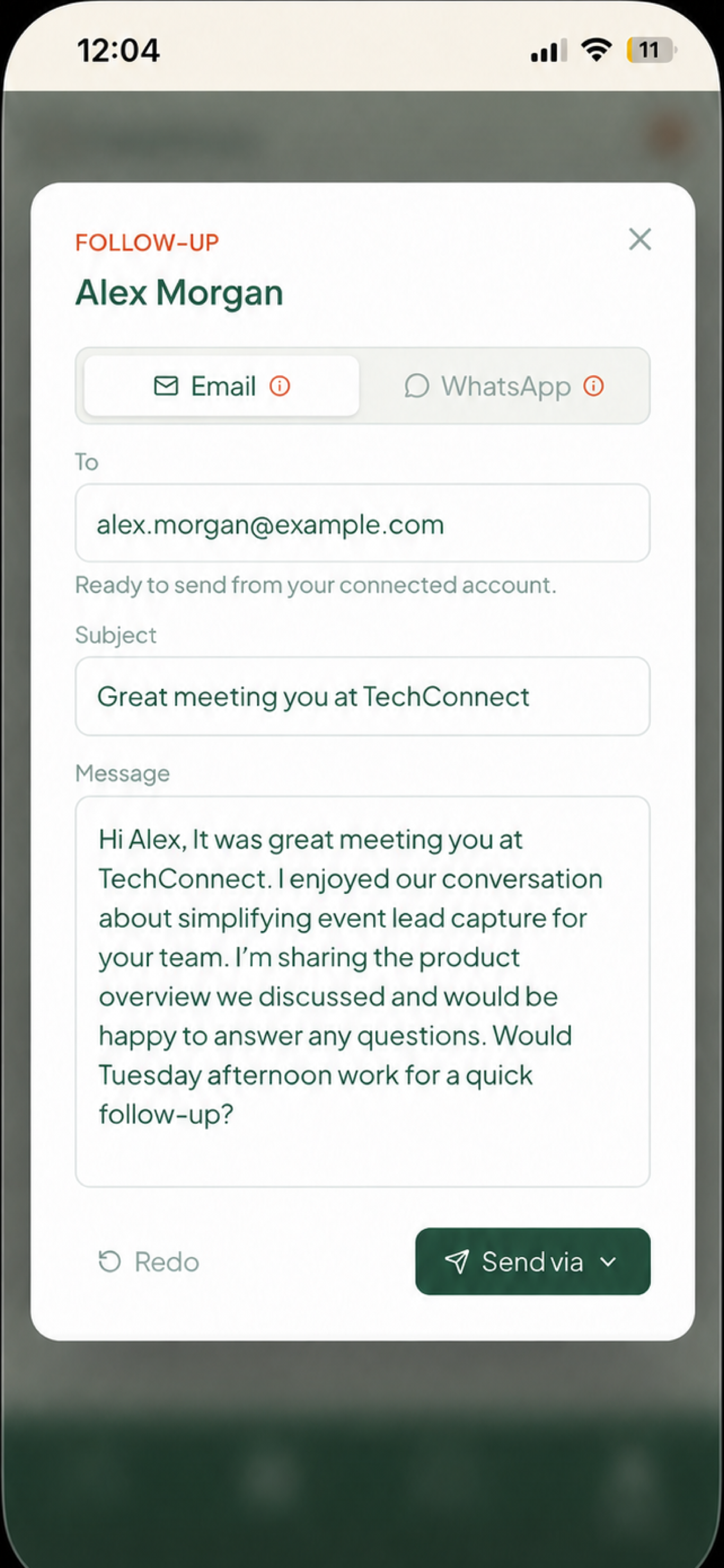
№ 05 · Follow-up
Drafted.Due.Done.
- AI turns the contact and your notes into a complete email or WhatsApp draft
- Subject and message stay editable before anything is sent
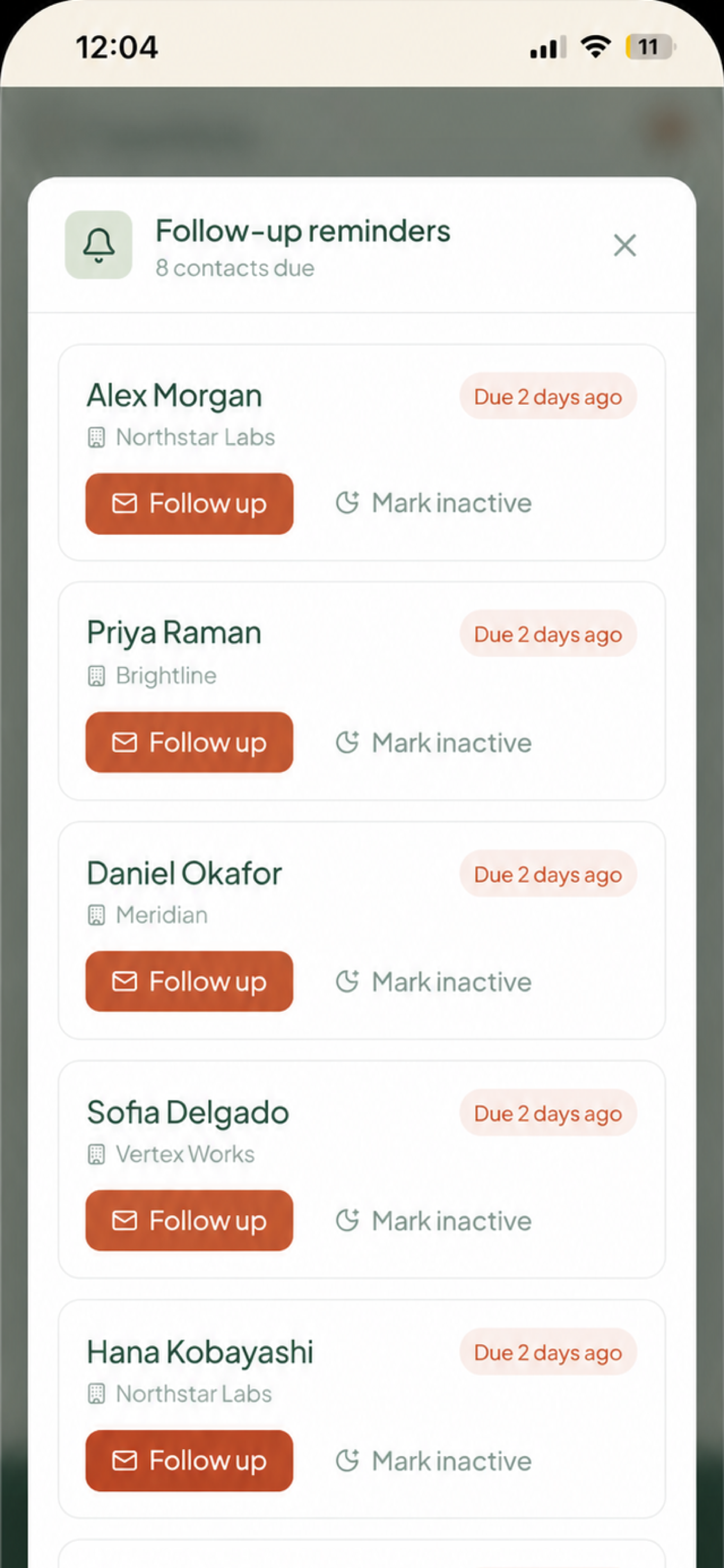
- Due contacts collect in one reminder list so warm leads do not go cold
On the bench
Built
HubSpot · Salesforce · Pipedrive · Zoho
Built
AI follow-up drafts
Soon
Upload contacts
Soon
Team leaderboard